How To Use Search Console To Find The Local Searches Your Map Listing Never Shows You
Local businesses tend to watch the map. How many calls came from the profile, how many requests for directions, where the pin sits when you search your own category. All of that is worth watching, and all of it stops at the edge of the map pack.
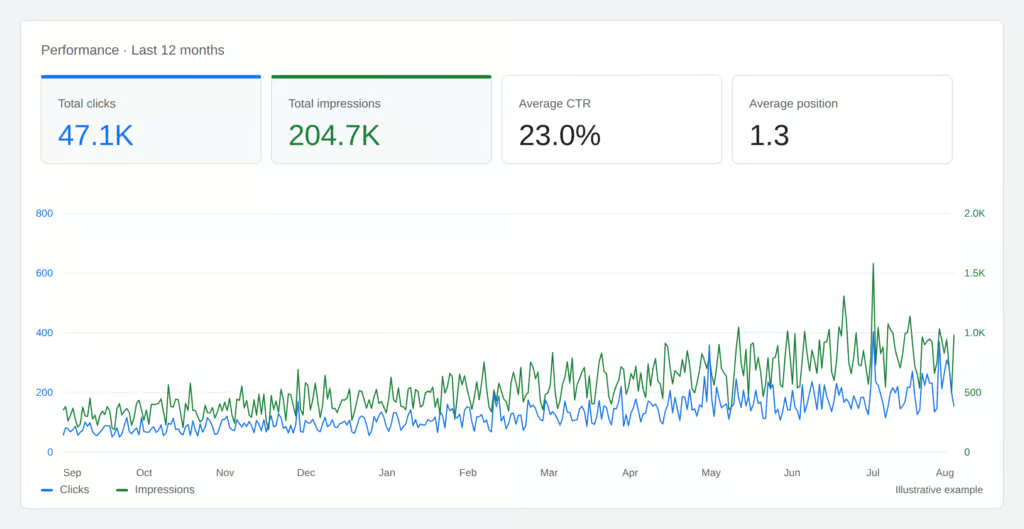
Underneath the map is a set of ordinary blue links, and most local businesses have no idea how they perform there. Search Console is where that lives, it is free, and it takes about ten minutes to connect.
The two results you are competing in
A local search usually returns two things. A map block with three businesses in it, and beneath that a list of web pages. They are ranked by different signals and they are won in different ways. Your profile drives the first. Your website drives the second.
Search Console reports on the second only. That is a limitation worth understanding rather than a flaw. It means the numbers you see there are a clean read on your website’s own performance, uncontaminated by the profile. If your map presence is strong and your organic presence is weak, that gap is visible only in this data, and it usually means a good profile is carrying a website that has never been given anything to rank with.
Set it up so it covers the whole site
When you add your site, choose the domain option and verify with a DNS record at your registrar. That covers every version of the address at once. The alternative, verifying a single web address, covers only that exact form, and a site reachable with and without the www prefix ends up reporting half its numbers in a property you are not looking at.
If someone built your site and set this up years ago, it is worth checking which kind you have. Split properties are the most common reason a local business believes its traffic fell off a cliff.
Read the search terms, not the totals
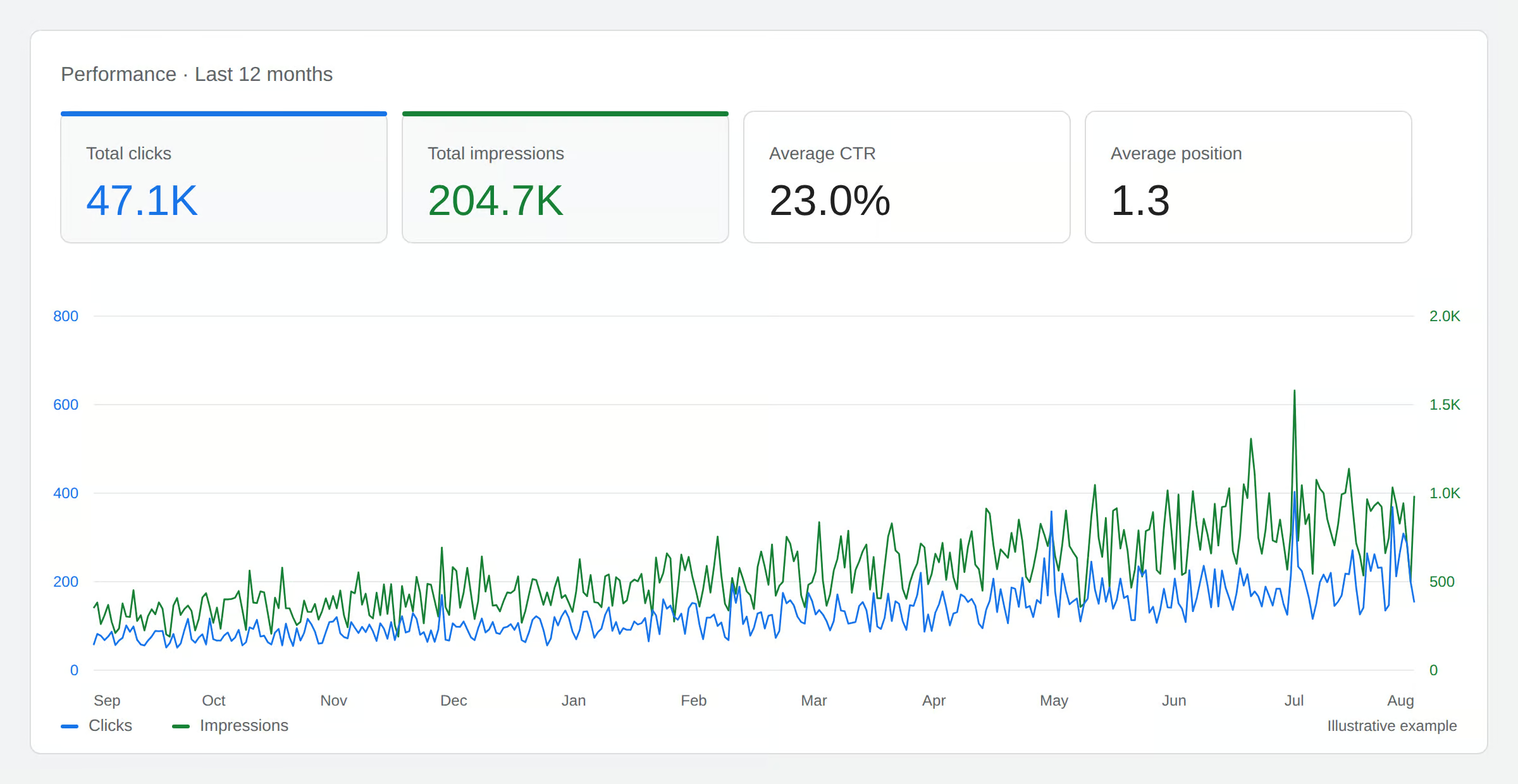
The totals are the least interesting part of Search Console. The query list is the valuable part, because it is a written record of how people describe the problem you solve.
Businesses write about themselves in the language of their trade. Customers search in the language of their situation. A plumber sells drain services and a customer searches for water coming up in the shower when the washing machine runs. Both are the same job. Only one of them is on the website.
Read three months of your query list and you will find phrases you would never have chosen. Those phrases are pages, and they are pages you know in advance that somebody wants, which is a better starting point than any keyword tool can give you.
Four checks worth repeating monthly
Your own name against everything else. Searches for your business name will always convert best. They tell you about your reputation and your offline marketing, not your search performance. Set them aside and read what is left.
Pages that appear and are not chosen. Anything with plenty of impressions and few clicks is being offered by Google and turned down by readers. The title and the description are doing that work, and they are two lines of text on a page that already ranks.
Position before conclusions. Clicks falling while position holds steady is a different problem from clicks falling because position slipped. The first is about how your result reads. The second is about ranking. They need opposite responses and the click number alone cannot tell them apart.
Questions rather than keywords. More and more entries in the query list are complete sentences. “Do I need a lawyer to file for divorce.” “Are there local providers who specialize in comprehensive water testing.” These arrive from AI answer tools, which Google mixes into ordinary search results with no label. They produce impressions and few clicks. Knowing what share of your visibility comes from them is worth an hour, because for some local businesses it is negligible and for others it is most of what is happening.
Two ways to keep it going
The problem with all of this is not difficulty. It is repetition. Doing it once is interesting. Doing it every month is where the value is, and it is the part that stops happening around week six.
BizScoreAI suits an owner who wants the answer rather than the exercise. After you claim your listing and connect Analytics and Search Console, according to BizScoreAI the reading is then done: the full query set rather than the top few, brand separated from non-brand, pages that get seen but not clicked flagged, conversational queries grouped, and every period compared against the one before. The output is a short list of what to fix.
SEOScanPro suits whoever actually works on the site. It connects the same accounts and can put a technical audit beside the performance data, so a drop in clicks may arrive with the reason attached instead of as a mystery to investigate.
Whichever you use, connect Search Console now. It only records from the day you set it up, and the months before that are gone.