Google Analytics 4 Now Pulls 7 Native Google Business Profile Metrics
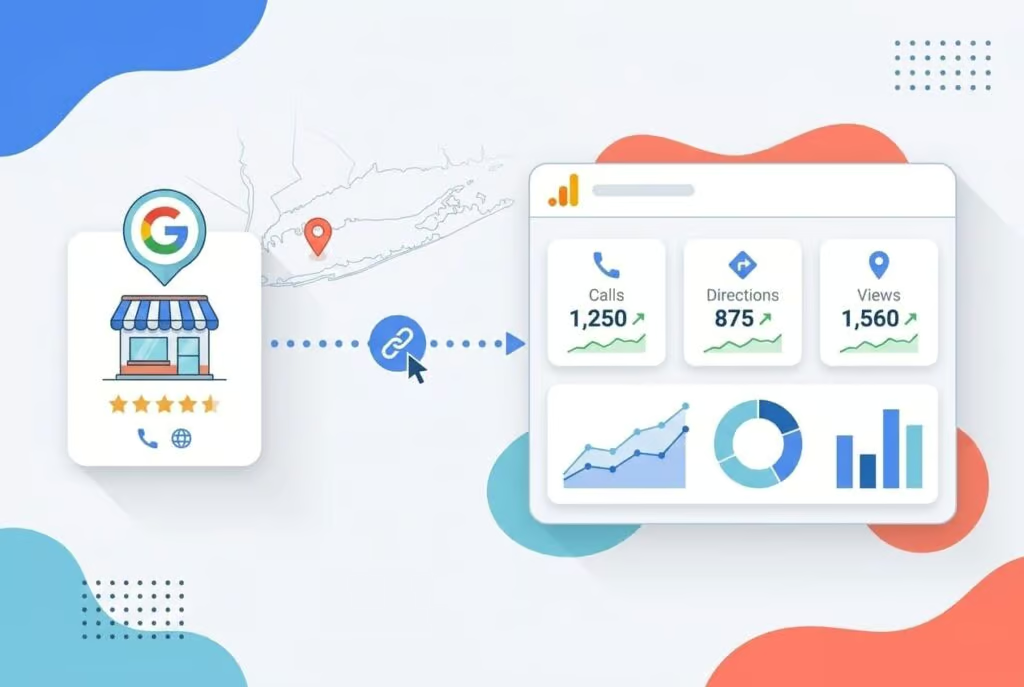
Google Analytics 4 now pulls seven native interaction types directly from a connected Google Business Profile through a Product Link, putting offline-intent signals such as calls, direction requests, and bookings in the same reporting layer as web and ad data for the first time. Until now, those highest-intent actions happened on the Business Profile itself and never reached the GA4 property. With the link live, marketers can see those taps alongside website sessions and conversions in one view.
Why the Blind Spot Mattered
Local intent converts at a rate most digital channels envy. Google’s own consumer research found that 76% of people who search for something nearby on a smartphone visit a related business within a day, and 28% of those searches end in a purchase. Those visits, calls, and bookings are the payoff of local marketing, yet GA4 could only ever see the slice that flowed through a tagged website link.
Every tap on the Call button, every direction request, every booking completed on the profile itself was missing from the analytics property. Teams either ignored those actions or stitched together manual exports from the Business Profile dashboard and made educated guesses about what their campaigns actually drove offline. Native integration replaces the guesswork with data in one place.
How the Integration Works
Google added Google Business Profile as a Product Link inside GA4, the same mechanism that already pipes Search Console and Google Ads data into the property. Once a profile is connected, a dedicated reporting section surfaces the interaction types alongside your existing website, ad, and e-commerce metrics. This is live off-site behavior flowing in, not a restyling of old reports.
Setup takes a few steps and the right permissions:
- In GA4, go to Admin, then Product Links, then Google Business Profile links.
- Click Link and select the profile or profiles you want to connect.
- You need Editor or Administrator access on the GA4 property and Owner or Manager permission on each Business Profile you link.
After linking, GA4 collects all seven standard metrics regardless of business category. That means a service business may see rows for interactions that do not apply to it, such as menu views, but the point is that every signal now sits in one view.
The Seven Interaction Types
- Interactions: total actions taken on the profile.
- Website clicks: taps that sent users to your site.
- Calls: phone-call button taps from the profile.
- Directions: requests for navigation to your location.
- Messages: chat messages initiated through the profile.
- Bookings: appointments or reservations made directly.
- Menu views: interactions with a linked menu.
When you link your Google Business Profile to your Analytics property, you can see how customers find and interact with your business across Google. (Google Analytics Help)
What Are the Limits of the GA4 to Business Profile Link?
This first version has weight limits.
- No per-location segmentation. If you link multiple profiles, GA4 aggregates all metrics into a single dataset with no way to break out individual locations.
- Six-month retention. The integration will not surface Business Profile data older than six months, so anything you need for year-over-year comparison has to be exported or archived.
- Limited analysis tools. The metrics cannot be used in GA4 explorations, comparisons, or advanced filters.
- Phased rollout. The option may not appear in every account yet.
Multi-location brands and agencies will still need the native Business Profile dashboard or the Performance API for location-by-location analysis. The GA4 integration is best understood as a consolidated overview, not a replacement for those deeper tools.
How to Put It to Work
The immediate value is attribution you could not see before. With calls, directions, and bookings sitting next to web sessions and conversions, you can finally test whether a spike in direction requests lines up with a recent campaign, a local promotion, or a burst of new reviews. That correlation used to require manually matching timestamps across two dashboards. Now it is one property.
Connect a profile now, even with its limits, and start building the baseline.
The Bigger Picture
Google is steadily stitching its first-party data sources into a single layer so marketers spend less time merging exports and more time acting on what the data shows. Bringing Business Profile interactions into GA4 is a clear signal that local engagement is treated as a core conversion surface, not a side channel. The version shipping today has rough edges, no location breakdown, short retention, limited analysis, but the direction is unmistakable, and future iterations are likely to add per-location segmentation and longer history. Connect it, learn its limits, and start measuring the high-intent actions that have been invisible for years.
FAQ
Which Google Business Profile metrics now appear in GA4?
GA4 imports seven native interaction types: total interactions, website clicks, calls, directions requests, messages, bookings, and menu views. All seven are collected regardless of business category, so some rows may not apply to every profile.
How do you link Google Business Profile to GA4?
In GA4, go to Admin, then Product Links, then Google Business Profile links, click Link, and select the profiles to connect. You need Editor or Administrator access on the GA4 property and Owner or Manager permission on each Business Profile.
What are the limits of the GA4 and Business Profile integration?
The integration aggregates multiple locations into one dataset with no per-location breakdown, retains only six months of data, cannot be used in GA4 explorations, comparisons, or advanced filters, and is rolling out in phases so it may not appear in every account yet.